Hybrid AV screen - user guide
Meet via console (pre-arranged)
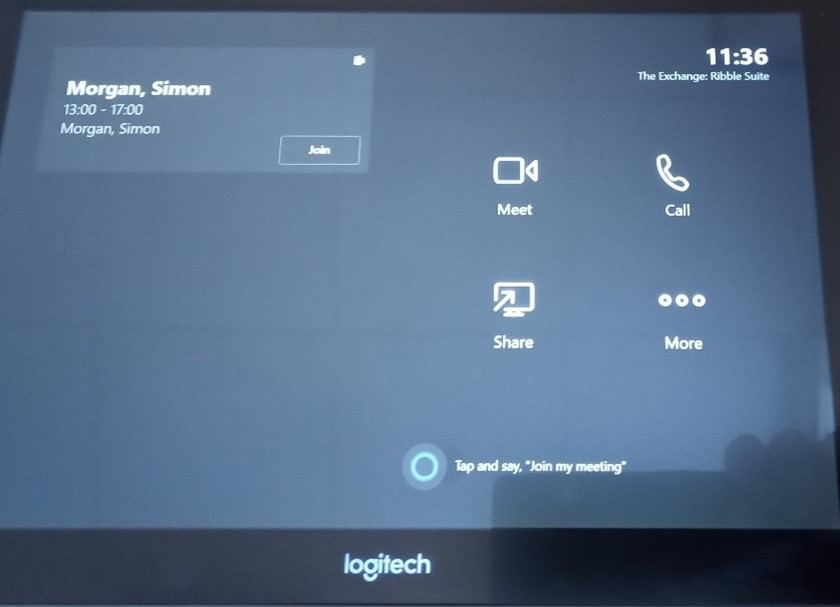 If you wish to pre-arrange a meeting then you can do so via teams, however you will need to send an invite to the room e.g. Ribble Suite. These rooms will also need to be booked via the Condeco room booking system as normal.
If you have pre-arranged your meeting, then on the console the meeting should show on the left-hand side of the screen. Click the Join button to join the meeting the same way as you do in MS Teams
You can also invite another participant that was not previously invited by using the search section on the right. Search to find the person then select the request to join option so they can join the meeting.
NB At the end of the meeting please ensure you end the call from the console.
Page 4 of 6