Hybrid AV screen - user guide
Meet via console (not scheduled)
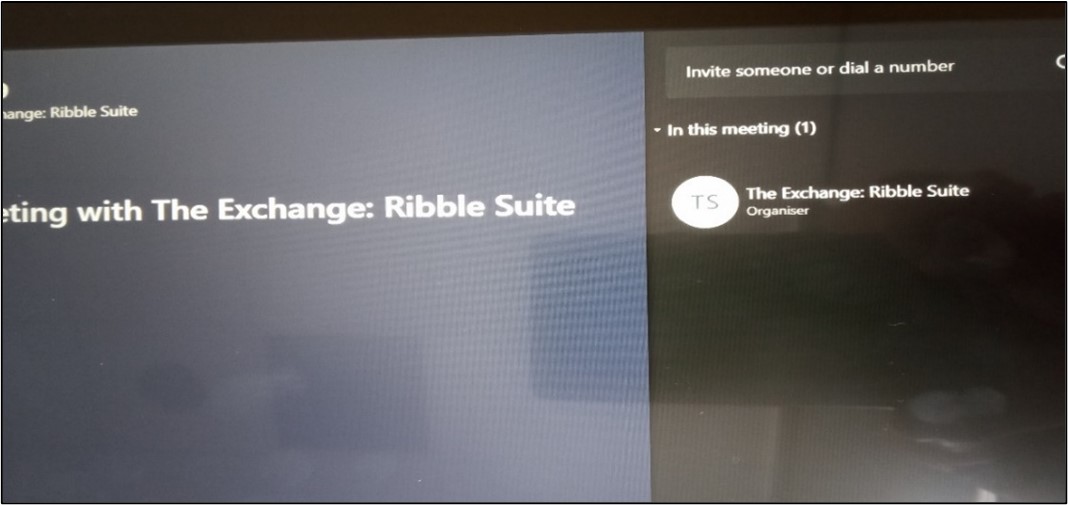 Click the meet icon on the console and search for the person's name using the search option as indicated, tap the person's name.
Select the Request to Join option when their name appears.
The person you requested to join will see the request pop up via teams and can Accept or Decline the meeting request.
NB Please ensure you end the call from the console at the end of your meeting/call.
Page 3 of 6