Hybrid AV screen - user guide
Making a call
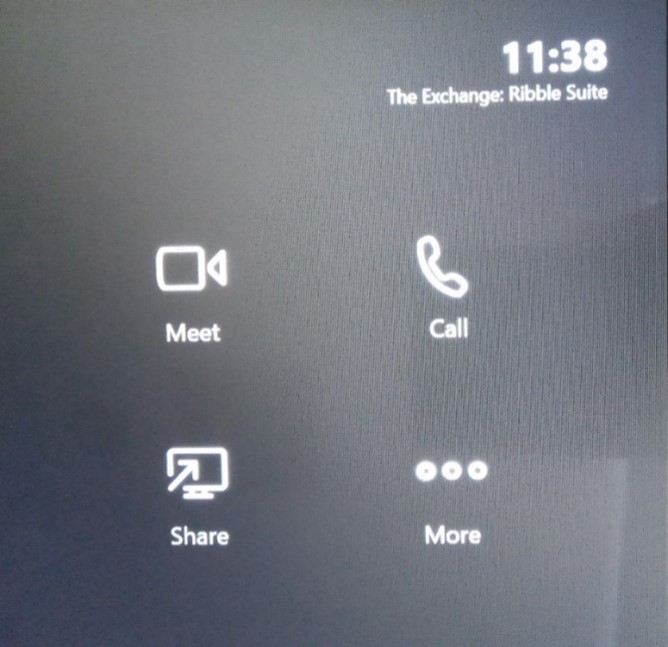
To make a call press the call icon on the console.
Use the on-screen keyboard and search for the person you wish to call. Tap on a name to choose that person, then click the Call button.
The person you are calling will see the room name calling and can answer as they would any other call.
Page 2 of 6